
Overview
Connector Sets allow you to organize related connectors into logical groups. This is particularly useful when you have multiple integrations with the same external system or when you want to group connectors by business function.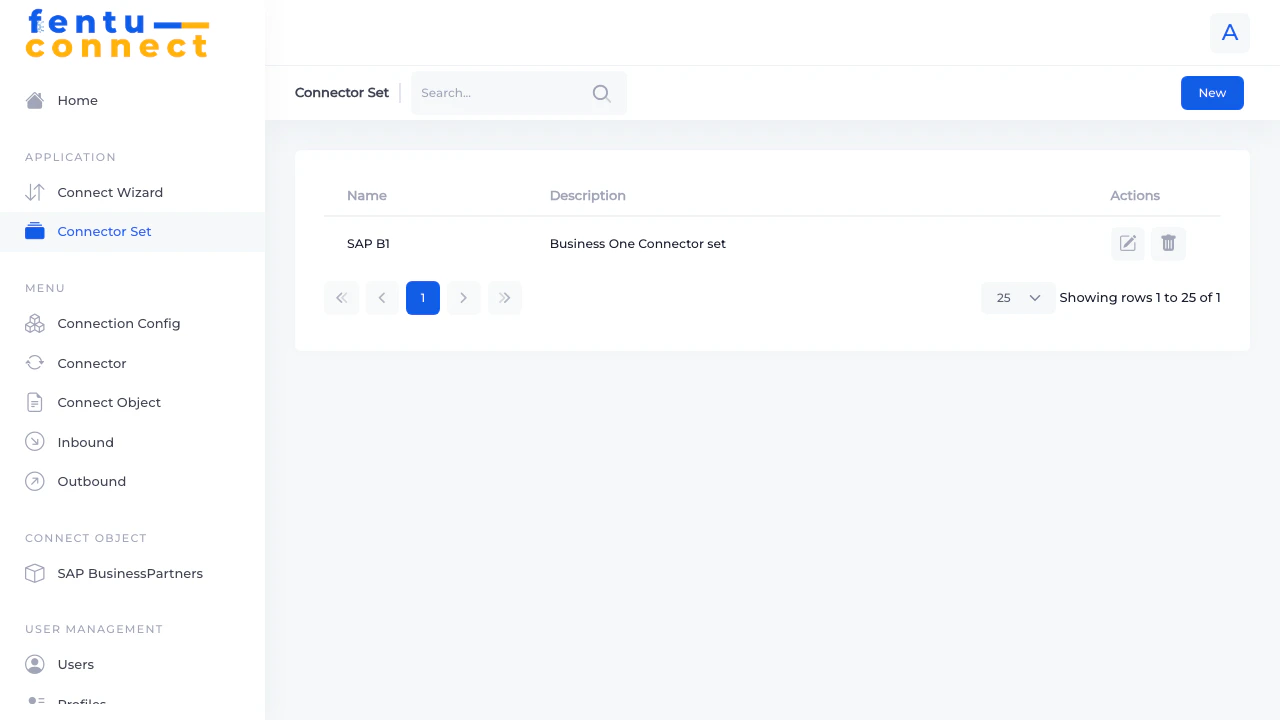
Connector Set List
The Connector Set list displays all your defined connector groups with the following information:List Features
- Search - Filter connector sets by name using the search box
- New Button - Create a new connector set
- Pagination - Navigate through multiple pages of connector sets
- Items per Page - Choose to display 5, 10, 25, 50, or 100 items per page
Creating a Connector Set
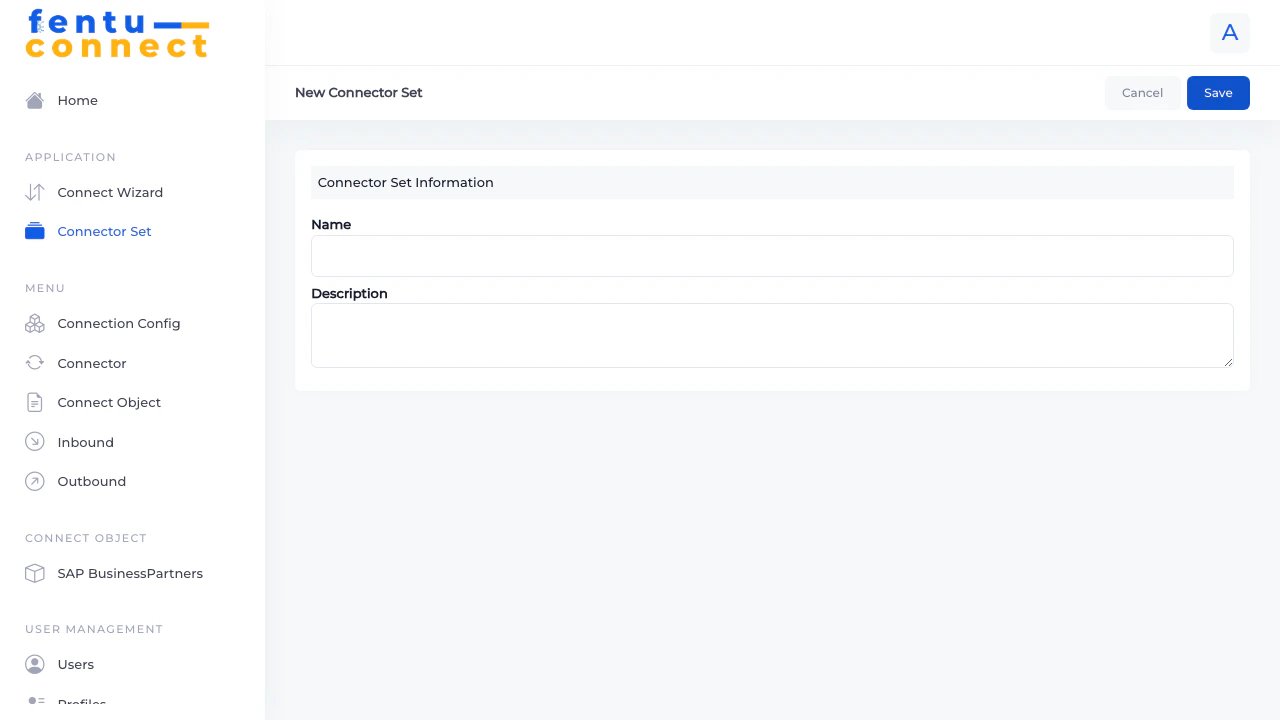
- Click the New button from the Connector Set list
- Fill in the required fields
- Click Save to create the connector set
Fields
Editing a Connector Set
- Find the connector set in the list
- Click the edit icon (pencil) in the Actions column
- Modify the Name or Description
- Click Save to apply changes
Deleting a Connector Set
- Find the connector set in the list
- Click the delete icon (trash) in the Actions column
- Confirm the deletion
Use Cases
Grouping by External System
Grouping by External System
Create a connector set for each external system you integrate with:
- “SAP Business One”
- “Salesforce CRM”
- “Shopware Store”
Grouping by Data Type
Grouping by Data Type
Create connector sets based on the type of data being synchronized:
- “Customer Data Sync”
- “Product Catalog”
- “Work Order Integration”
Grouping by Environment
Grouping by Environment
Create separate connector sets for different environments:
- “Production Integrations”
- “Staging/UAT”
- “Development/Testing”
Best Practices
Use Consistent Naming
Use Consistent Naming
Establish a naming convention for connector sets across your organization. This makes it easier for team members to find and understand integrations.
Document Thoroughly
Document Thoroughly
Use the description field to explain what the connector set contains and any important configuration notes.
Review Periodically
Review Periodically
Regularly review your connector sets to remove unused groups and ensure connectors are properly organized.
Related Documentation
Connector
Create and manage individual connectors
Connect Wizard
Quick setup wizard for new integrations