
Overview
The Material Request feature allows technicians to request parts and materials needed to complete a task when the required items were not pre-staged for the job. Requests are sent to the back office for approval, and once approved, the parts are dispatched or made available for pick-up.Material requests are linked to a specific task and work order. A back-office administrator or warehouse manager reviews and approves each request before the parts are issued.
Why Use Material Requests?
Material requests are used when:- A part is unexpectedly broken or missing during a repair and a replacement is needed
- Additional materials are required beyond what was originally planned
- A part on the technician’s vehicle stock needs to be replenished for the current job
- An on-site inspection reveals additional components that must be replaced
Viewing Your Material Requests
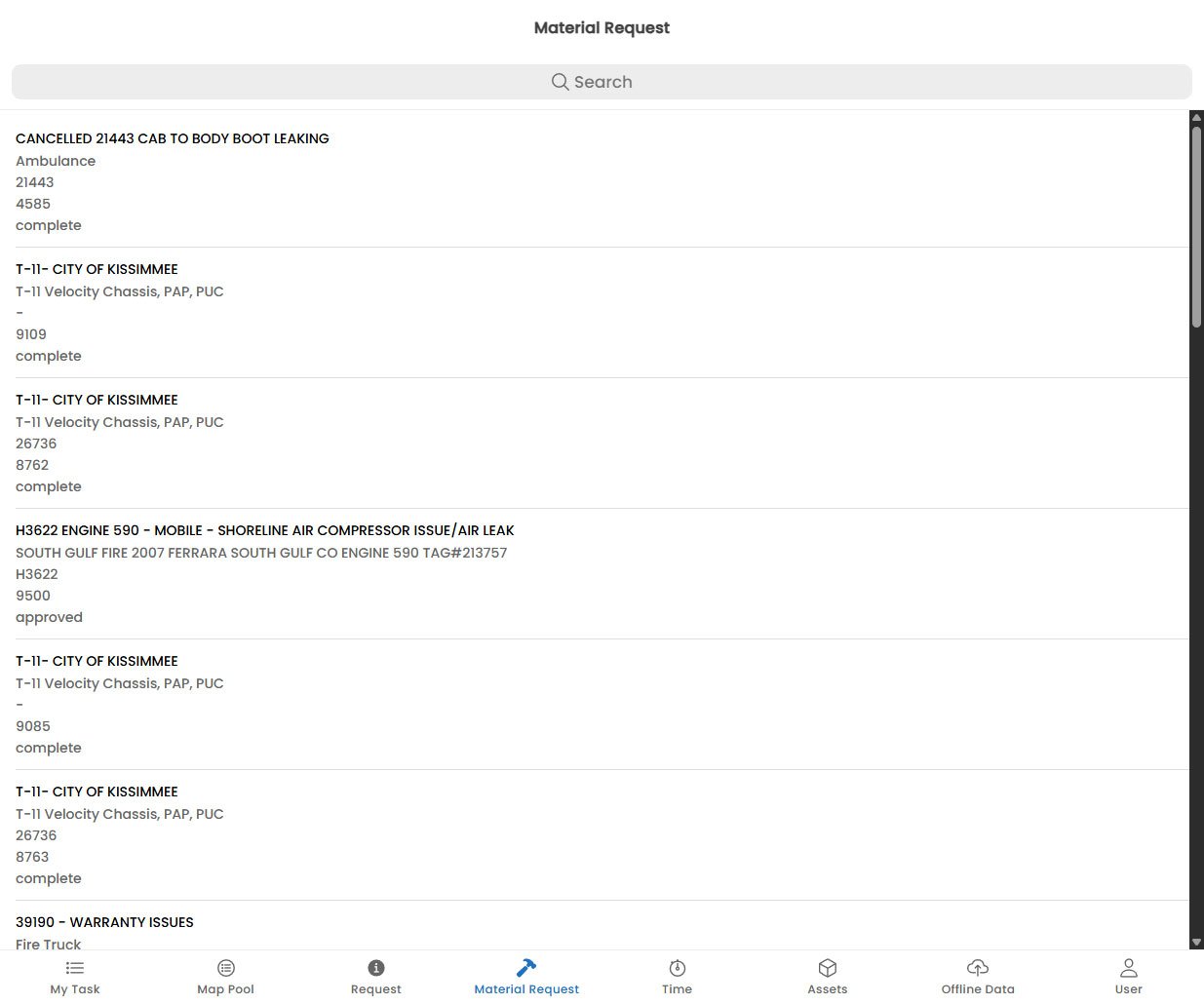
The Material Request screen shows all requests you have submitted, grouped by task. Each request card displays:Request Statuses
After a Request is Approved
Once the back office approves your material request, you will receive a push notification. The request status will change to Approved or Fulfilled depending on whether the parts have already been issued.- If parts are dispatched to site, your dispatcher will confirm delivery timing.
- If parts are available for collection, you will be told which warehouse or vehicle to pick them up from.