
Overview
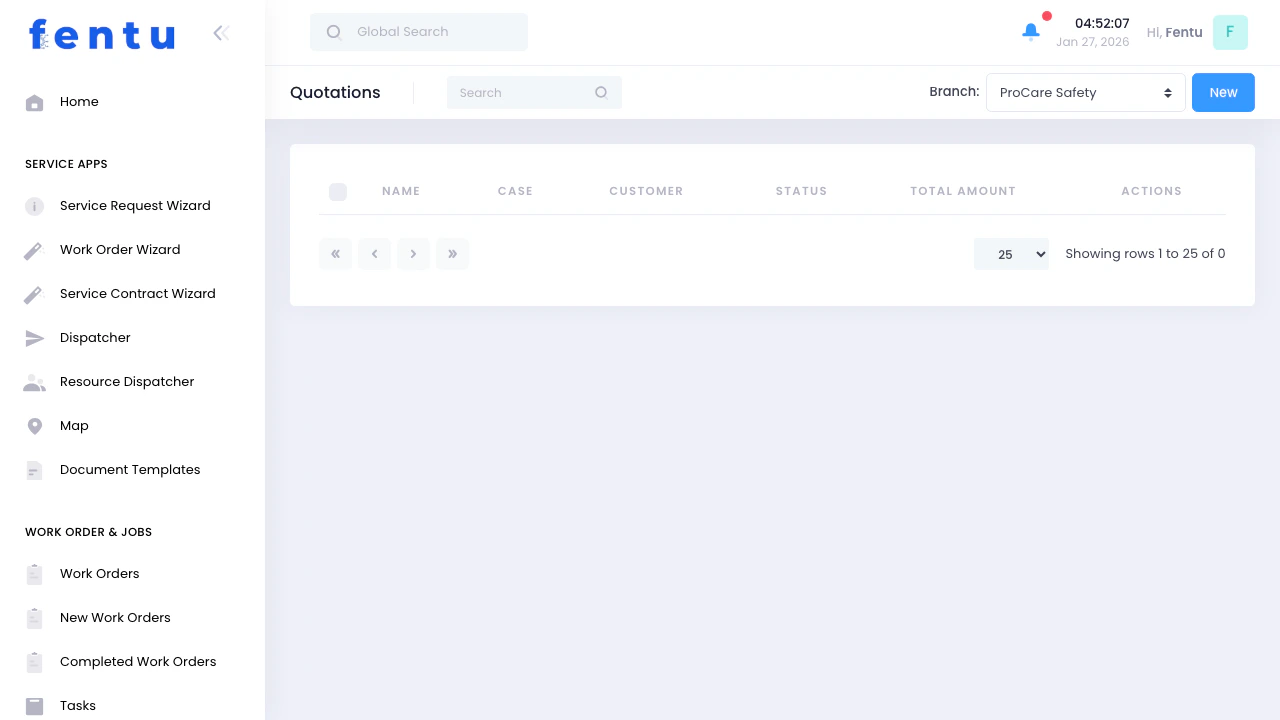
Quotations are price estimates provided to customers before performing work. They detail the cost of parts, labor, and other charges, allowing customers to approve or decline the proposed work before you proceed.When to Use Quotations
Create quotations when:- Diagnostic work reveals repairs needed - Quote the repair cost after finding the problem
- Customers request estimates - Before scheduling any non-contract work
- Additional work discovered - Found during scheduled maintenance
- Large or expensive jobs - Installations, major repairs, or system replacements
- Non-warranty work - Any work not covered by service contracts
- Customers require written approval - Corporate clients or purchase order requirements
Quotation Information
Each quotation displays:Quotation Statuses
Creating Quotations
From Service Requests
Diagnose Problem
Open Service Request
Click Create Quotation
Add Line Items
Set Prices
Add Validity Period
Review Total
Submit
Direct Creation
Go to Quotations
Click Create
Select Customer
Add Description
Add Items
Calculate Total
Send to Customer
Key Behaviour
Quotes Are Independent of Cases
Quotes Are Independent of Cases
Mirror the Planning Structure
Mirror the Planning Structure
Multiple Quotes Per Case
Multiple Quotes Per Case
Synchronized After Acceptance
Synchronized After Acceptance
ERP Pricing
When Fentu FSM is integrated with an ERP system, use the Price Request action button to pull pricing directly from the ERP based on the customer, ship-to address, and other pre-configured fields. This ensures accurate, up-to-date pricing from the ERP rather than manually entered rates.Quotation Line Items
Types of Charges
Labor:- Hourly rates by technician skill level
- Flat-rate pricing for specific tasks
- Emergency or after-hours rates
- Travel time charges
- Individual parts with part numbers
- Materials and supplies
- Equipment or system costs
- Shipping and handling
- Trip charges or service call fees
- Equipment rental (lifts, generators, etc.)
- Permit or inspection fees
- Disposal fees
- Taxes
Item Details
For each line item, specify:Pricing Strategies
Standard Pricing
- Use predefined labor rates
- Apply standard parts markup
- Follow company pricing policy
- Consistent across all quotes
Competitive Pricing
- Research competitor pricing
- Adjust for market conditions
- Consider customer relationship value
- Balance profitability with competitiveness
Value-Based Pricing
- Price based on value to customer
- Consider urgency and impact
- Emergency work vs. routine service
- Critical equipment vs. non-essential
Managing Quotations
Sending Quotations
By Email:- Generate PDF from system
- Send to customer email address
- Include payment terms and validity period
- Request confirmation or questions
- Print quotation
- Deliver in person or mail
- Get customer signature on copy
- Keep signed copy for records
- Post to customer online portal
- Customer can review and approve online
- Automatic notifications
- Digital approval process
Following Up
Wait 2-3 Business Days
Contact Customer
Answer Questions
Negotiate if Needed
Request Decision
Update Status
Handling Approvals
When Approved:Record Approval
Document Approval Method
Create Work Order
Schedule Work
Order Parts
Perform Work
Record Decline
Document Reason
Offer Alternatives
Close Quotation
Follow Up Later
Quotation Best Practices
Provide Detailed Breakdowns
Provide Detailed Breakdowns
Include Clear Descriptions
Include Clear Descriptions
Set Validity Periods
Set Validity Periods
Offer Options
Offer Options
Explain Payment Terms
Explain Payment Terms
Document Everything
Document Everything
Follow Up Promptly
Follow Up Promptly
Use Professional Format
Use Professional Format
Common Questions
How long are quotations valid?
How long are quotations valid?
Can I modify a quote after sending it?
Can I modify a quote after sending it?
What if actual costs exceed the quote?
What if actual costs exceed the quote?
Do I need quotes for contract work?
Do I need quotes for contract work?
Can customers negotiate quoted prices?
Can customers negotiate quoted prices?
What if a quote is approved but the customer delays?
What if a quote is approved but the customer delays?
Should I quote for diagnostic work?
Should I quote for diagnostic work?
How do I handle quote rejections?
How do I handle quote rejections?